Turn Your Documents into a Trusted AI Assistant
Connect AtChative to your folders, OneDrive, Google Drive, and more to get factual answers you can trust, always with sources.
Fewer repeat questions
Faster onboarding
More consistent execution
Our Solutions
Not Another AI Knowledge Chatbot
Most knowledge chatbots help you find information.
AtChative helps your team use knowledge correctly, with fast setup, truth-first answers, and outputs that turn documents into training and execution tools.
Simple Setup & Real Integrations
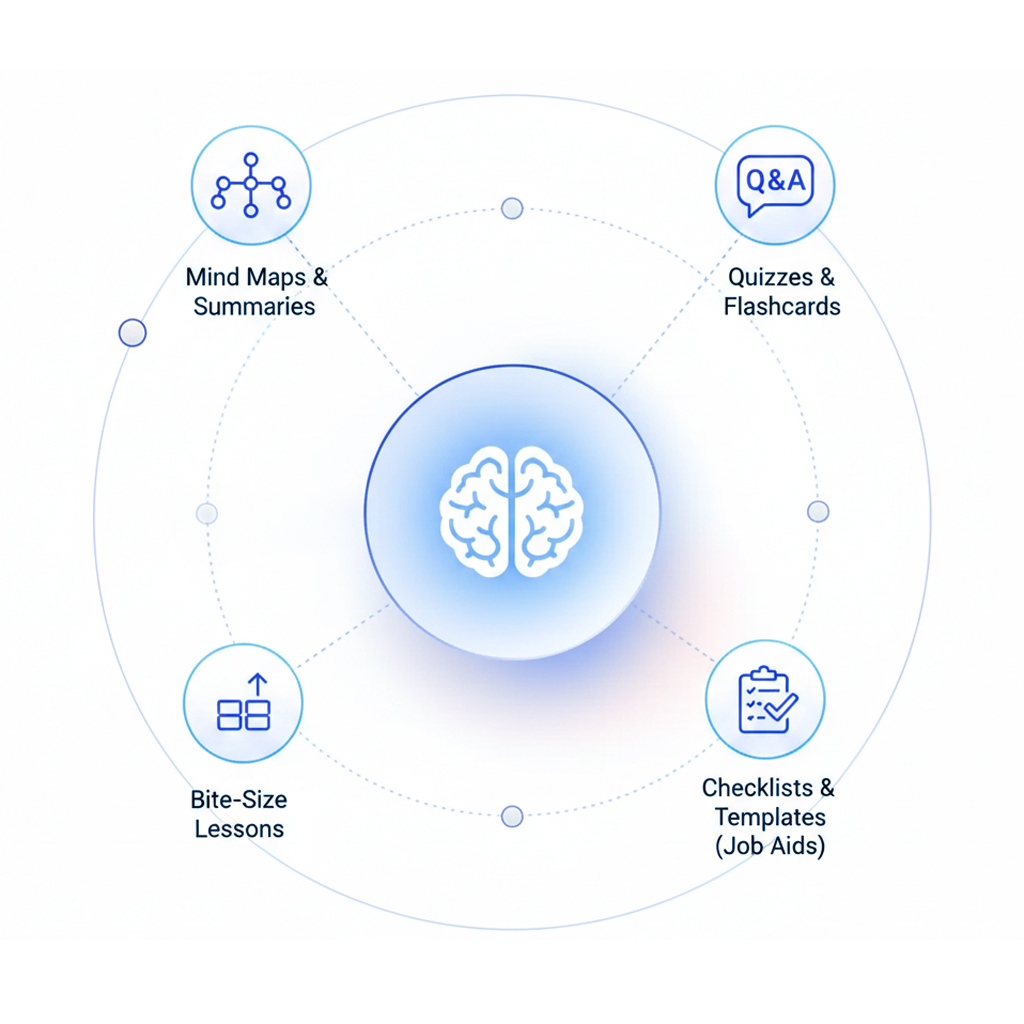
Start with the systems you already use, such as local folders, OneDrive, Google Drive and more. No complicated DNS. No heavy migration. Get value fast and expand when ready.
- Local folders
- OneDrive
- Google Drive
- Add more sources anytime
Grounded Truth First
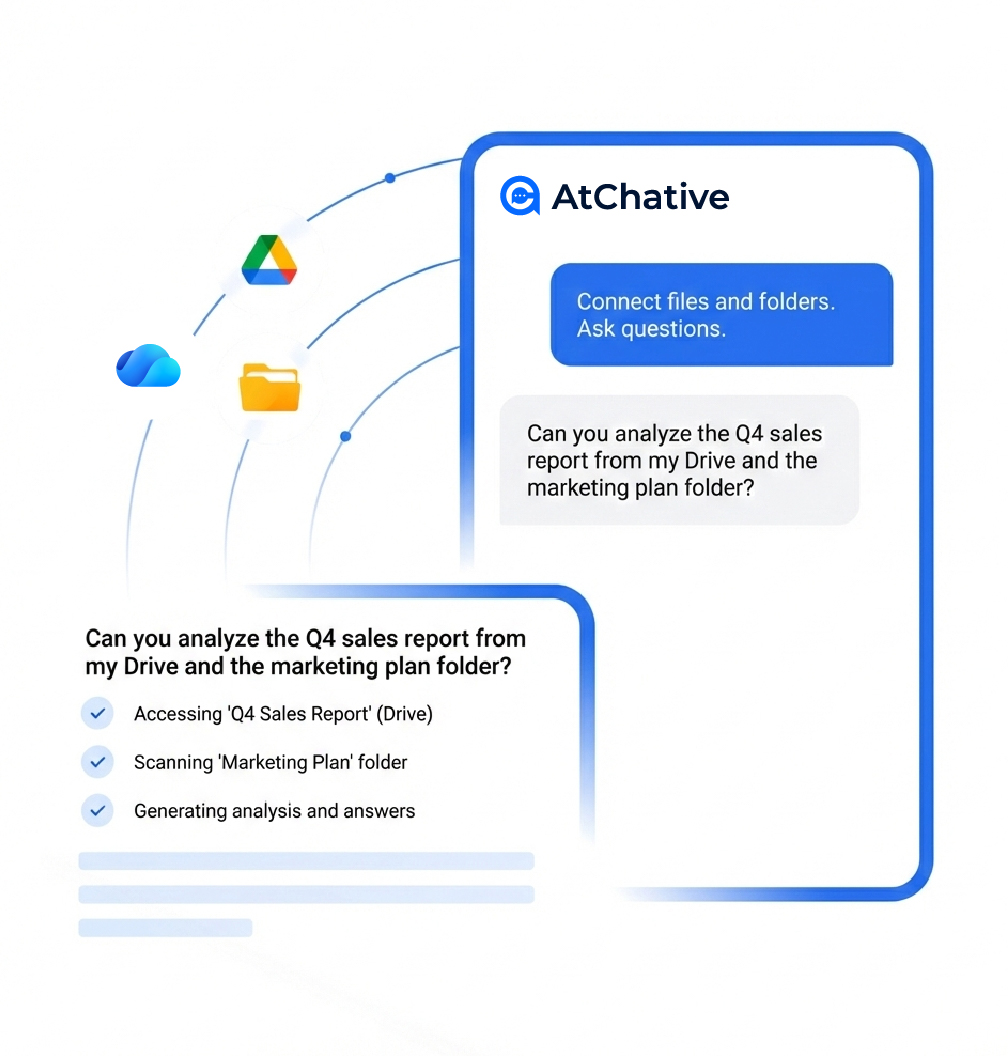
AtChative is designed for “truth-first” behavior: it answers using your documents, shows where each answer comes from, and makes it easy for users to verify in one click.
- Source references by default
- Reduced hallucinations with grounded retrieval
- Easy to verify & follow-up
A New Way to Distribute Knowledge
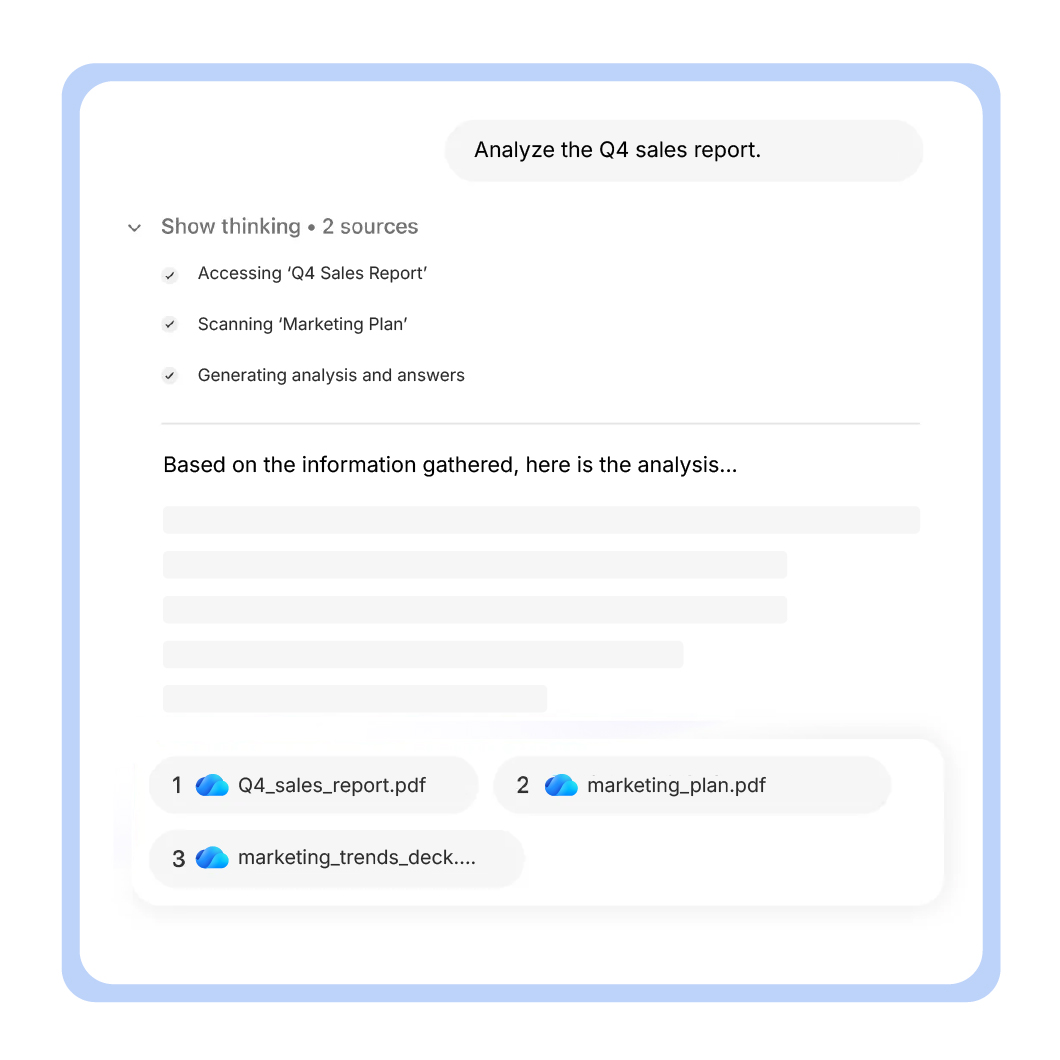
Knowledge shouldn't live as static PDFs and long documents. AtChative transforms what you already have into learning and job aids, so people remember it and apply it correctly.
- Quizzes & flashcards
- Mind maps & summaries
- Bite-size onboarding lessons
- Checklists & templates (job aids)
How It Works
From Integration to Impact in 3 Steps
Start with one knowledge source, prove value, then expand.
Step 1: Connect
Choose where your knowledge lives: folders, OneDrive, Google Drive, etc. and connect in a lightweight setup.
Step 2: Ground
AtChative grounds every answer in your source content, so users get reliable responses with references, not guesses.
Step 3: Transform & Deliver
Use chat for Q&A, then generate learning and execution materials (e.g. quizzes, flashcards, checklists) to drive consistent behavior.
💬 Want to see AtChative on your own documents?
In a demo, we'll connect a sample folder/drive, show grounded answers with sources, and generate learning outputs like quizzes and flashcards.
Beyond Chat
Turn Knowledge into Formats People Actually Use
Chat is great for discovery. But real adoption happens when knowledge is delivered as training, reminders, and ready-to-use job aids.
- Mind map
- Turn a long document into a visual overview in seconds.
- Quiz
- Convert policies/SOPs into a quick knowledge check.
- Flashcards
- Help teams remember key terms, steps, and rules.
- Bite-size learning
- Create onboarding mini-lessons from your existing documents.
- Checklists & templates
- Generate job aids that make the right process easy to follow.
- Source-backed summaries
- Summaries with citations so users can verify quickly.
Use Cases
How Teams Use AtChative
Connect your knowledge. Use it everywhere for answers, learning, and daily work.
💡 Get answers you can trust
Connect AtChative to your folders or drives and ask questions in natural language. Answers are grounded in your own documents and always reference the source.
Trust what you read. Verify in one click.
🎯 Learn faster from your knowledge
Turn documents, manuals, and onboarding materials into quizzes, flashcards, and bite-size learning — automatically.
Learn faster. Remember longer.
✨ Make knowledge work for you
Transform documents into checklists, templates, and practical guidance that teams can use during daily work.
Turn knowledge into action.
💭 Want to see one of these use cases on your data?
Share a sample folder (or a sanitized set of documents). We’ll show how AtChative answers with sources and generates learning outputs in minutes.
Let's explore how AtChative can help your organization work smarter, faster, and more securely.
Trust & Security
Grounded Truth First, with Enterprise Boundaries
Your knowledge stays in your environment. AtChative helps you use it safely, without taking ownership of it.
Stays in your environment
Works directly with your Drive/OneDrive or local deployment.
No training on your content
Your knowledge is not used to train public foundation models.
Permission-aware
Designed to respect existing access controls and governance.
FAQ
Have questions? We've got answers.
How quickly can we get started with AtChative?
Most teams can get started within days, not months. If your knowledge already lives in folders, Google Drive, or OneDrive, AtChative can connect quickly and begin answering questions almost immediately. From there, you can gradually expand sources and outputs as you see value.
What knowledge sources can AtChative connect to?
AtChative works with the tools teams already use, including:local folders, Google Drive, OneDrive, Shared team drives, etc. You don't need to migrate or restructure your content to begin.
How does AtChative reduce AI hallucinations?
AtChative is built around a grounded-truth approach. Answers are generated only from your connected knowledge sources, and each response is tied back to its original documents. This significantly reduces hallucinations and makes it easy for users to verify information.
Can users see where answers come from?
Yes. By default, AtChative provides source references alongside answers. Users can quickly check the original document, section, or file, making responses transparent, trustworthy, and easy to validate.
Does AtChative use our data to train AI models?
No. AtChative does not use your documents to train public or foundation AI models. Your knowledge remains yours and is only used to generate responses and outputs within your environment.
Where does our data live?
Your data stays in your environment. AtChative can work directly with your existing cloud storage (e.g. Google Drive, OneDrive), or local or on-premise deployments, when required. We do not take ownership of your knowledge.